Autocalculation
Some boxes on the return are calculated automatically based on the values of other boxes. Trust Tax will by default automatically calculate these boxes. You can, however, override the auto-calculation and enter a figure manually.
Turn off auto-calculation
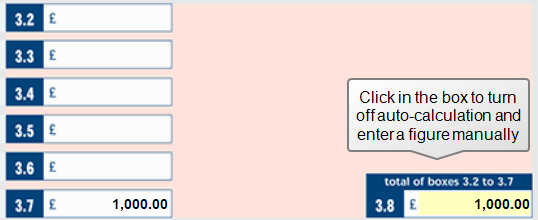
Boxes with a yellow highlight have auto-calculation turned on.
- Click in a box with auto-calculation turned on. A message appears asking if you'd like to enter a figure manually.
- Click Yes.
- Enter your new figure.
Turn on auto-calculation
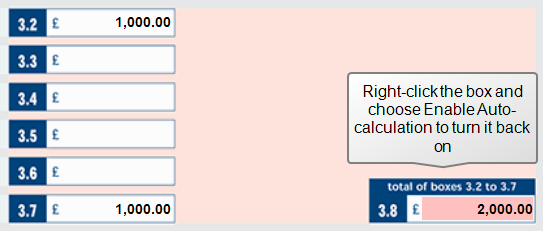
Boxes with a red highlight have had auto-calculation disabled.
- Right-click a box with auto-calculation disabled.
- Choose Enable Auto-calculation. A confirmation message appears.
- Click Yes if you want to override the figure you've entered with the automatically calculated figure.
- Auto-calculation will be enabled for that box.